AI Video Generation: 2026 Guide & Best Tools
- AI video generation transforms text prompts or images into animated sequences using deep learning models.
- The market is split between rapid creation tools (Canva, CapCut) and professional avatar platforms (Synthesia, Invideo).
- Adopting AI video can reduce production costs and turnaround times by up to 90% for some businesses.
- Copyright compliance and vigilance against deepfakes remain critical for ethical use.
AI video generation is radically transforming audiovisual production by making capabilities—once reserved for studios with massive budgets—accessible to everyone. In just a few months, text-to-video models have evolved from imperfect technical demos to operational tools capable of producing cinematic sequences, photorealistic talking avatars, and content optimized for social media’s vertical formats. This evolution is a response to a constant pressure: companies must publish more videos, faster, in more languages, without multiplying filming costs.
Current solutions cover a broad spectrum, from avatar synthesis for internal training to promotional clips generated entirely via prompts. Understanding the underlying mechanisms, identifying the right tool for a specific use case, and mastering prompt engineering have become strategic skills for marketing teams, L&D departments, and independent creators. This guide details the technical inner workings, compares the leading platforms based on their strengths, and shares concrete methods for leveraging these technologies responsibly and efficiently.
Understanding How AI Video Generation Works
Generative AI applied to video relies on deep learning architectures trained on massive datasets pairing text descriptions with corresponding visual sequences. A text-to-video model analyzes a natural language instruction, extracts the semantic intent—subjects, actions, style, lighting, framing—and predicts the sequence of images that best translates this intent while maintaining temporal coherence.
Coherence is the primary challenge: unlike static image generation, video requires each frame to be not only relevant to the prompt but also logically linked to the previous one to produce fluid, physically plausible motion.
Multimedia synthesis algorithms achieve this by learning motion dynamics, object deformations, lighting effects, and spatial interactions from millions of hours of real-world footage.
Recent advances in latent diffusion and spatio-temporal transformers have pushed quality past a critical threshold where renderings approach photorealism, featuring fine control over facial expressions, complex camera movements, and even automatic audio synchronization. This rapid progression is driven by the exponential increase in computing power available for training and the refinement of alignment techniques between text and video latent spaces.
How Does an AI Video Generator Work?
In practical terms, when a user submits a prompt to a video generator, the system first decomposes the request into structured elements: visual entities, actions, style parameters, and technical constraints. This semantic analysis then guides navigation through the model’s latent space, where every point corresponds to a possible visual configuration.
The generator samples a trajectory through this space, producing a sequence of latent images that are then decoded into pixels. Training databases, containing hundreds of millions of text-video pairs, have taught the model the statistical regularities of the physical world: how fabric drapes, how water reflects light, and how a face moves during speech.
This implicit knowledge allows the system to transform text into coherent sequential images without frame-by-frame supervision. Some tools, such as Canva’s “Magic Media” video feature (developed with Google’s Veo), push integration further by directly generating high-quality cinematic sequences with synchronized sound, providing a broadcast-ready result.
Others, like InVideo, orchestrate several specialized models: an LLM for the script, a search engine accessing over 16 million stock assets for visual illustration, and an AI voiceover system in over 50 languages for narration. This modular architecture explains why the final quality depends as much on the video generation model as on the processing pipeline surrounding it.
Ethical and Legal Challenges of Synthetic Video
The power of these technologies brings significant risks that ecosystem players cannot ignore. Deepfakes—synthetic media that alter the appearance or voice of real people—illustrate the potential for harm: disinformation, identity theft, fraud, cyberbullying, and the manipulation of public opinion. The proliferation of generated content indistinguishable from reality erodes trust in visual evidence, a traditional pillar of journalism and justice.
Legally, the intellectual property framework is still being built. In French law, the author of a work of the mind enjoys an exclusive incorporeal property right from the moment of creation, but the qualification of “author” for AI production is debated: is it the user who writes the prompt, the model trainer, or neither?
European and American regulators are working toward mandatory transparency regimes—watermarking, C2PA metadata, and usage registries—to trace synthetic origins. In parallel, major platforms are integrating safeguards: human moderation, safety filters, and responsible use policies.
Synthesia, for example, restricts access to its avatar generator through identity verification processes and commits to SOC 2 Type II and GDPR compliance, with a dedicated data security team. For organizations, adopting these tools requires clear governance: internal usage charters, training teams on biases and limitations, and human validation processes before publication. Responsibility cannot be delegated to the algorithm.
What is the Best AI Video Generation Software?
Choosing the right AI video software requires first precisely defining the need. A marketing team producing dozens of ad variations for A/B testing on Meta and TikTok has different requirements than a training department maintaining a catalog of 10,000 educational modules in 160 languages.
The first decision point is between avatar-based platforms—optimized for talking-head videos, visual identity consistency, and massive localization—and free-scene generators—designed for conceptual illustration, rapid storyboarding, or creating visual atmospheres.
The second dimension is integration: enterprise solutions like Synthesia offer native connectors to major LMS (Learning Management Systems), an API for programmatic automation, and collaborative review workflows, reducing friction between creation and deployment. The third dimension is economic: freemium models allow for risk-free testing, but production volumes often require premium subscriptions, the cost of which is justified by the reduction in lead times and costs (up to 90% observed among enterprise clients).
Over 90% of Fortune 100 companies trust these types of solutions for their internal and external communications, testifying to the operational maturity reached. The comparison table below summarizes these criteria for an informed decision.
| Tool | Key Strengths | Language Capabilities | Key Data |
|---|---|---|---|
| Synthesia | Pro Avatars & Training | 160+ languages | Up to 90% cost reduction |
| Invideo AI | Scripts & Stock-shots | 50+ languages | 16M+ stock assets |
| Canva | Fast Design & Social | 40+ languages | Videos up to 8 seconds |
| CapCut | TikTok Editing & Effects | Multi-platform | Exports up to 8K |
Solutions for Corporate Communication and Training
In the context of corporate communication and training, digital avatars offer an unparalleled lever for standardization. A virtual spokesperson delivers the same message with the same intonation, posture, and lighting quality, regardless of the language—over 160 available via Synthesia—and without the unpredictability of actor availability, fatigue, or turnover.
This consistency strengthens the employer brand and ensures the compliance of regulatory or sensitive messages. Automation changes the economics of video training: modifying a sentence in an existing module no longer requires a studio return; you simply regenerate the affected sequence.
At scale, managing 10,000 video training sessions becomes traceable, versioned, and auditable. Multilingual synthetic voices, now indistinguishable from humans to the untrained ear, eliminate dubbing costs and localization delays. L&D teams can iterate on educational content—testing two different phrasings, adjusting the pace, inserting interactive quizzes—without depending on an external provider.
This agility leads to higher learner engagement: the video format, more attractive than PDFs or slide decks, improves retention and motivation, directly contributing to the success of learning initiatives. More than 2 million users and 50,000 teams already exploit this approach at scale.
Rapid Creation Tools for Social Media
For social media, the dynamic is reversed: the priority is execution speed, variety of formats, and adaptation to the native codes of each platform. Tools like CapCut, InVideo, and Canva excel here by combining AI video generators, pre-designed story templates, libraries of trending transitions and effects, and direct export to 9:16 vertical, 1:1 square, or 16:9 horizontal ratios.
CapCut integrates an AI brainstorming tool that suggests topics, storyboard outlines, and content ideas to overcome writer’s block, while its anime generator and inpainting functions expand the creative range. Intelligent automation selects relevant stock visuals, calibrates the music, and inserts dynamic captions—all in a few minutes.
The flexibility of mobile and desktop workflows allows a user to start an edit on the subway, refine it at the office, and publish it the same evening. This agility is critical for UGC (User Generated Content) creators and community managers who must react to trends in real-time.
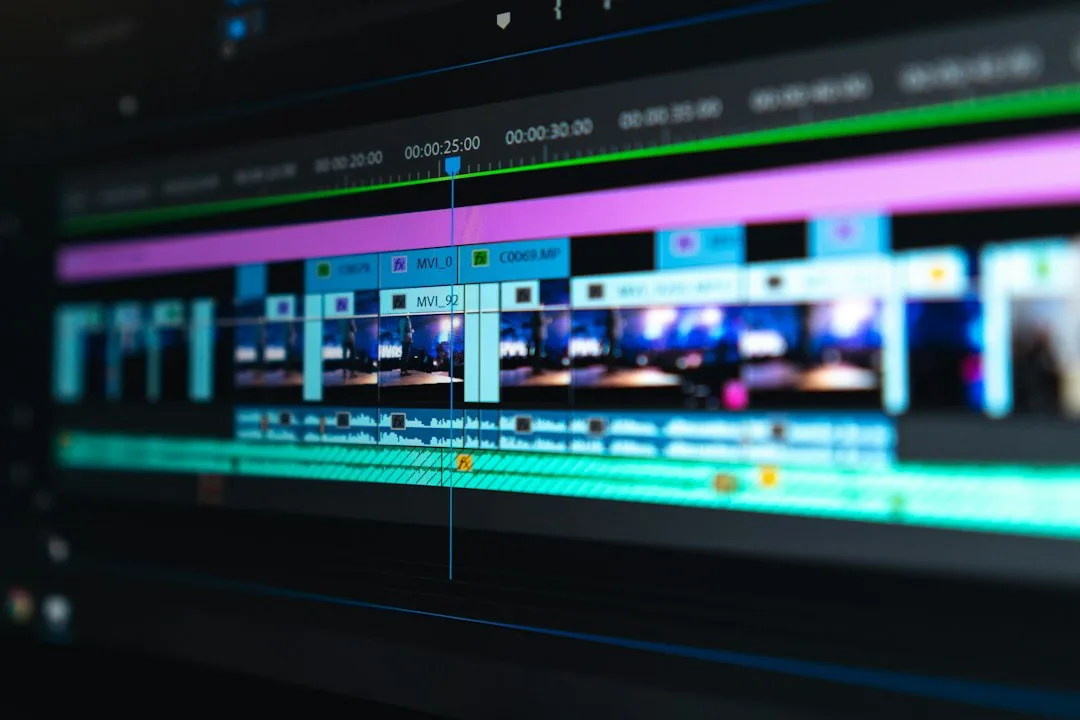
Complementary editing apps—Adobe Rush for professional color grading, Filmora for 4K editing and advanced effects, and VivaVideo for simplicity—form an ecosystem where AI generates the raw material and the human refines the narrative rhythm. The result: a sustainable volume of video content aligned with recommendation algorithms that prioritize regularity and audience retention.
Which AI Specializes in Realistic Video Generation?
The pursuit of photorealism pushes some models beyond simple scene generation to tackle the most subtle challenges: temporal coherence over several seconds, fluid and fabric physics, micro-facial expressions, and camera geometry.
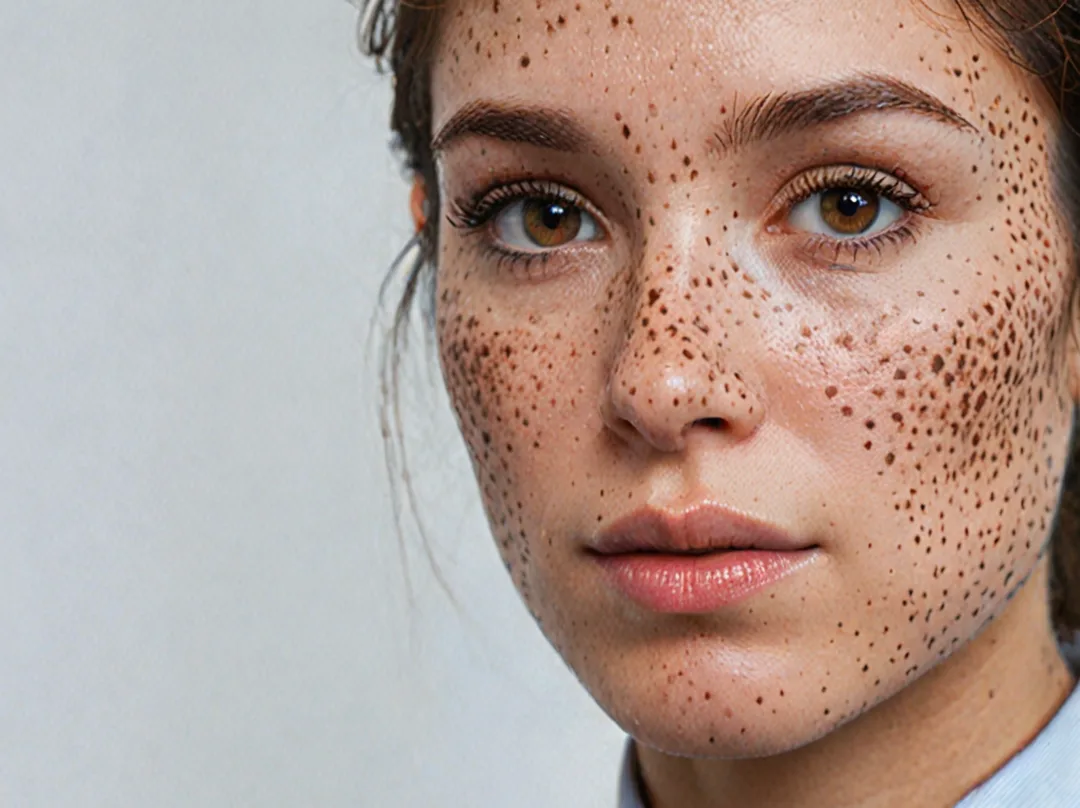
Luma Dream Machine and Kling AI, integrated notably into Vidful.ai, stand out for their ability to produce cinematic-quality videos with realistic movement, character consistency, and fluid camera transitions. These models excel at wide shots, natural environments, and complex lighting—areas where avatar generators, constrained by frontal face views, are less capable.
The management of camera movements (tracking, crane, dolly zoom) and natural facial expressions opens the door to new use cases: scene previsualization for film production, asset creation for video games, and prototyping immersive experiences. The fundamental technical distinction separates two approaches: pure prompt-based generation, where every image is inferred from text, and the animation of avatars based on real humans, where a diffusion model animates a fixed visual identity.
The former offers total creative freedom but struggles with identity consistency over time; the latter guarantees perfect character stability but limits the variety of poses and framing. High-precision lip-sync technologies partially bridge this gap, allowing an avatar to speak any text in any language with perfect phonemic alignment.
The Rise of Photorealism and Digital Avatars
The rise of photorealism is redefining the boundary between prototype and finished product. A product team can now generate a visual demonstration of a software feature, a user journey, or an interface concept before committing development resources. This “video-first prototyping” accelerates stakeholder validation: a 30-second AI-generated clip communicates intent better than a 10-page written specification.
Digital avatars play a key role in this dynamic. With over 100 avatars available in the CapCut library, creators have a gallery of diverse profiles—ages, ethnicities, clothing styles—to embody their scenarios without casting. High-precision lip-syncing, coupled with expressive synthetic voices, gives these avatars enough credibility for explainer videos, client onboarding, and product demos.
The remaining technical challenge is the dissociation between visual identity (the face) and bodily expressiveness (gestures, posture, gaze). Current models are progressing in upper-body animation, but full-body interaction with the environment remains an open challenge.
For brands, using AI avatars also raises questions about image rights and consent: “stock” avatar libraries are legally safe, but creating custom avatars from real people requires clear contracts. This technological maturation makes AI video a de facto standard for rapid visual prototyping, complementary—not substitutive—to high-end traditional production.
Tips for Optimizing Free AI Video Generation
Getting a usable result with free or freemium tools requires a discipline of prompt engineering that few tutorials explain concretely. The key: describe not only the subject but the composition—shot type (close-up, wide shot), camera angle, simulated focal length—the lighting (golden hour, urban neon, three-point studio), the visual style (cinematic, documentary, anime, photorealistic 8K), and the dynamics (slow motion, static, lateral tracking).
Image-to-video is a game-changer: by providing a reference image—previously generated by Midjourney or DALL·E to lock in the artistic direction—you constrain the AI on geometry and palette, drastically reducing visual hallucinations.
Canva, for example, limits duration to eight seconds in 16:9 via its Veo-3 integration, which requires surgical prompt writing to condense the action.
Regarding post-processing, mobile and desktop editing tools—CapCut with its free 1080-8K exports and over 100 digital avatars via Seedance 2.5, Adobe Rush for grading, and Filmora for 4K—allow you to crop, stabilize, add grain, correct colorimetry, and, most importantly, chain several short sequences into a coherent narrative. Music, transitions, and sound design transform a technical demo into publishable content.
- Precisely define the subject and action in the initial prompt.
- Use a reference image to lock in the visual aesthetic.
- Generate multiple iterations to select the fluidest sequence.
- Add sound effects and background music to mask imperfections.
- Apply color grading to unify the clips.
What is the best AI video generation software?
The choice depends on the use case: Synthesia is the leader for professional training, Invideo for script-based marketing, and CapCut/Canva for social media content.
Which AI specializes in realistic video generation?
Models like Luma Dream Machine or Kling AI excel in photorealism, while Synthesia dominates the realism of human avatars.
Can ChatGPT create videos?
ChatGPT does not directly generate video files, but it can write scripts, create storyboards, or use plugins/GPTs connected to third-party services like Invideo.
What is the best free online AI video editor?
CapCut is widely recognized for its powerful free features, including high-resolution exports and AI automation tools.
What are the risks of AI-generated videos?
The primary risk is the creation of deepfakes used for disinformation or fraud, which is why moderation and the marking of synthetic content are essential.
Can AI be used to translate videos?
Yes, tools like Synthesia allow you to translate and synchronize avatars in over 160 languages, facilitating global communication.
Sources
- Wikipedia – Artificial Intelligence – en.wikipedia.org
- Wikipedia – Deepfake – en.wikipedia.org
- Legifrance – Intellectual Property Code – legifrance.gouv.fr
See also
- Automating email management with AI
- Best AI automation use cases
- Prompt caching: save up to 90% on tokens
- How to optimize your content with AI